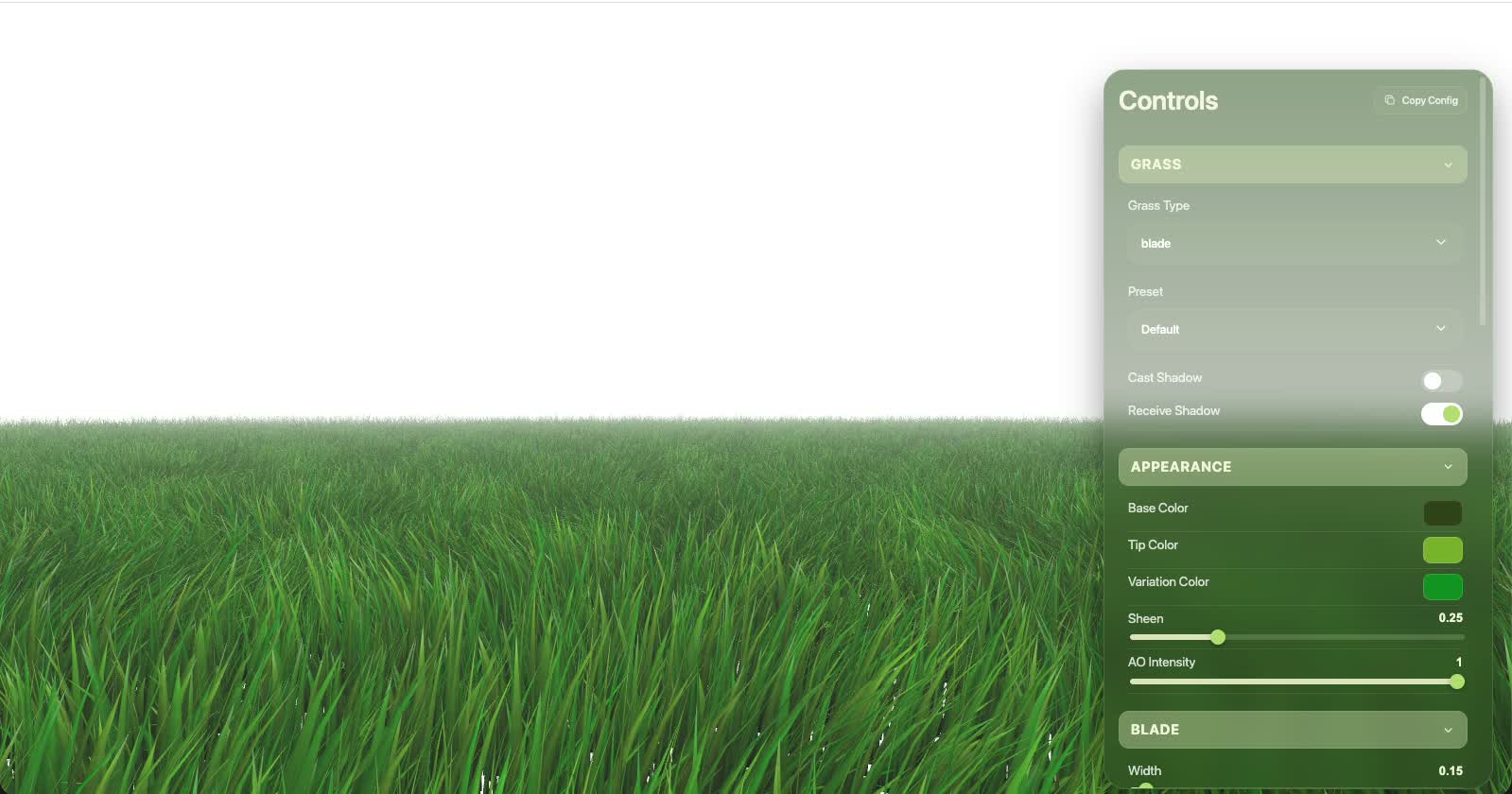
Runtime GUI
The runtime GUI is the fastest way to discover the configuration surface, tune a scene in real time and produce a configuration that can be moved into production code.
Workflow
- Open
examples/basic. - Call
grassworks.createGUI(). - Tune the controls in real time.
- Use the generated/copyable configuration.
- Apply the final configuration with
applyConfig().
grassworks.createGUI();

// After tuning: export/use the configuration
const finalConfig = grassworks.toJSON();
await grassworks.applyConfig(finalConfig);
GUI structure
The controls are organized as Grass, Appearance, Blade, Wind & Simulation, Variation, Interaction, LOD & Tiling and individual LOD levels.
Controls that do not apply to the active grass type are hidden. For example, the named preset selector is hidden for Billboard because the named preset library is Blade-only.
When a colorMap is configured, a Base Color Darkness slider appears in Appearance. The slider is inverted for convenience: 0 is light and 1 is dark. The baseColorDarkness value in grassParams keeps its own meaning (1 = full map color, 0 = black), so convert when copying values.
From experimentation to production
The GUI is an authoring surface, not a requirement for every deployed scene. Once a configuration is tuned, use toJSON() to inspect the resulting state and applyConfig() when you need to apply a finalized configuration programmatically.