
Three.js Grass: From WebGL to WebGPU
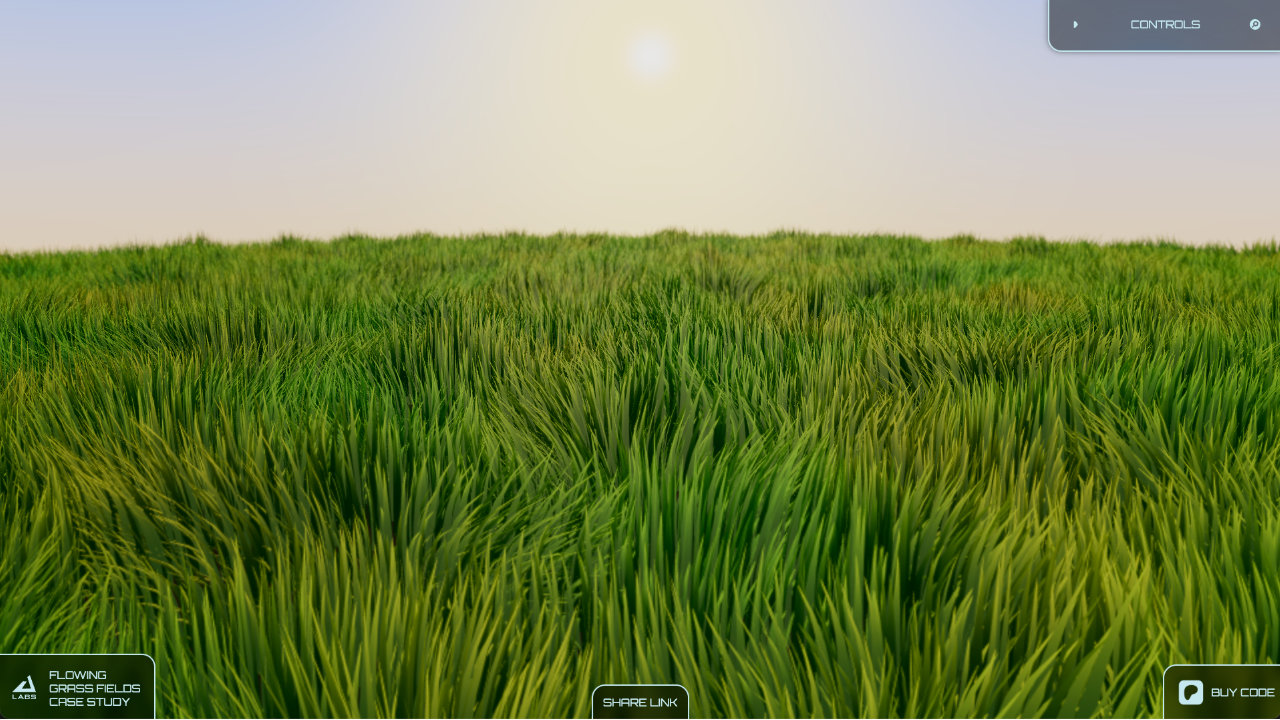
After publishing Flowing Grass Fields, I left the project alone for a while. I had put the experiment out on the internet and shared it across different platforms, and the response was much better than I expected.
Then I moved on to client work, and the grass experiment stayed where it was for roughly two years.
Eventually, I got some breathing room between client projects and started thinking about it again. By then, WebGPU had changed quite a bit. Browser support had become much more practical, Three.js had strong WebGPU support, and people were actually starting to use it.
Why WebGPU, and Why Now?
The original Flowing Grass Fields experiment had been built around WebGL and custom shaders. It worked, but WebGPU offered a chance to revisit the system with a much newer graphics API.
The performance potential was another reason. WebGPU was becoming a much more realistic target for browser graphics, and Three.js was making it increasingly accessible through WebGPURenderer and its node-based material system.
So I decided to give it a try. At first, the plan was very simple: port the existing grass from WebGL to WebGPU and see what happened.
The Plan Was Just a Port
At this point, I wasn't planning to rebuild the entire grass system. I wanted the same basic experiment running in WebGPU.
The work was still being done inside React Three Fiber at this stage. I was comfortable experimenting there, and the goal wasn't yet to turn the grass into a standalone rendering system.
But once the port started working, something changed. WebGPU wasn't just another backend for the same shader code. Three.js node materials and TSL gave me a different way to build the rendering logic, and that made experimentation much easier.
Instead of stopping once the old grass worked, I started asking a different question: what could I improve now that I had this new toolset?

Discovering What WebGPU Could Do
Working with Three.js node materials made it much easier to experiment with the grass. The rendering logic could be composed in a more flexible way, and I could start changing parts of the system without treating every change as a completely separate shader-writing exercise.
That was when the port gradually stopped being a port. I started experimenting with the things that had always bothered me about the original grass: the movement, the uniformity, and the way the field responded to the environment.
The first major change was the wind.
Making the Wind More Interesting
The original grass already had procedural wind, but I wanted something that felt less uniform and more natural.
Instead of relying on a single noise signal, I started experimenting with multiple layers of noise. One noise function could influence another, and additional noise could be added on top of the result. The goal wasn't simply to make the movement more random. It was to create variation at different scales so that the field could move as a whole while still having smaller changes within it.
The result was a much more interesting wind pattern. The grass no longer felt like every blade was responding to the same simple deformation. There was more variation in the movement, and the field started to feel much more alive.
The Grass Was Too Perfect
The wind was looking better, but another problem became obvious when I looked at the grass against uneven terrain.
I had already added ups and downs to the terrain in the original experiment, but the grass itself was still too uniform. The ground could rise and fall while the blades all looked almost identical in height.
That uniformity made the field feel procedural in the wrong way. Real grass doesn't form a perfectly consistent carpet where every blade reaches exactly the same height.
I needed variation at the blade level.
Height Variation Changed Everything
The solution was surprisingly simple: height variation.
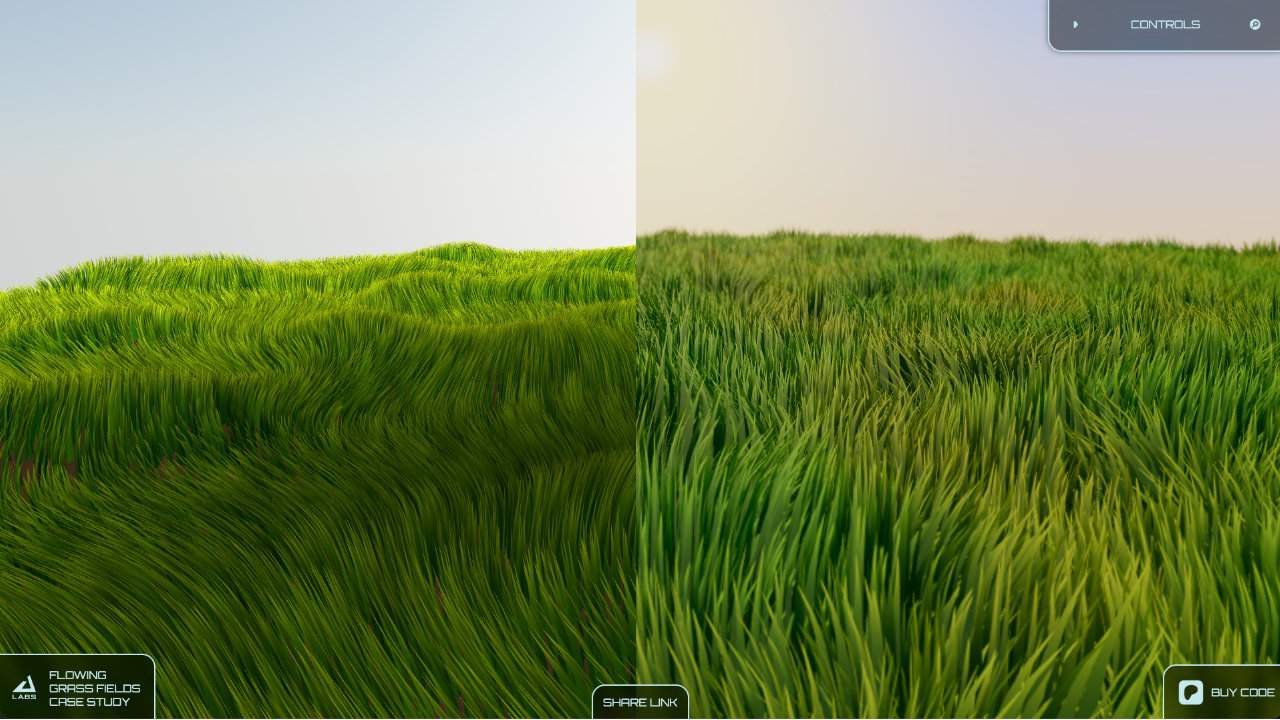
Instead of giving every blade the same height, I introduced variation so that some blades could be shorter while others grew taller. It sounds like a small change, but visually it made a huge difference.
The field immediately became less uniform. The terrain and the grass started working together instead of the grass looking like the same repeated object placed over a changing surface.
This was one of those changes where the technical implementation was relatively straightforward, but the visual result was dramatic. It made the grass feel much closer to real vegetation and like a completely different system from the original WebGL experiment.
Giving the Grass Light
There was another major difference between the old WebGL version and the new WebGPU version: lighting.
In the original experiment, the grass appearance was largely driven directly by the shader. The color came from the shader itself, and the grass wasn't being integrated into a conventional lighting setup with directional light and shadows in the way I wanted.
With the WebGPU version, I was working with Three.js node materials from the beginning. That made it much easier to let the grass participate in the scene's lighting and shadow system.
Once directional lighting and shadows were affecting the grass, the result changed again. The blades were no longer just a colored procedural surface. They had much more of a relationship with the rest of the scene, and the lighting gave the field additional depth and variation.
This was another point where the WebGPU version started to feel like more than a technical port.

Then I Posted It
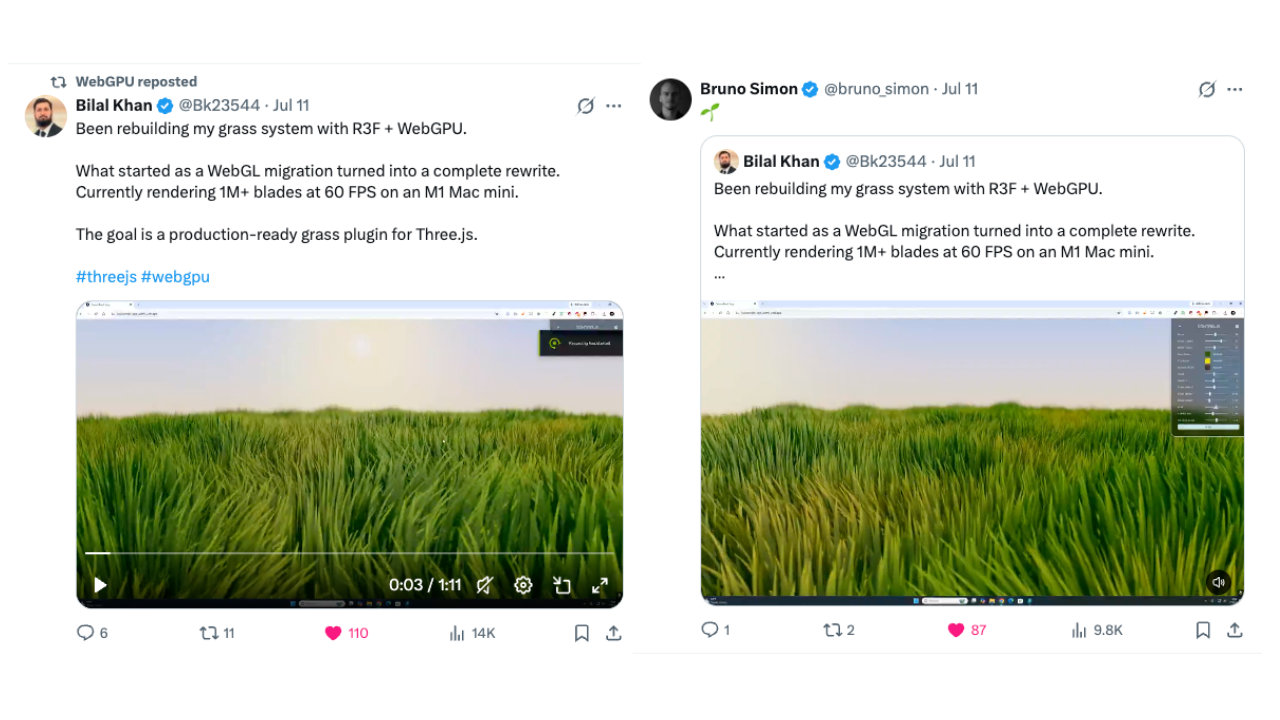
After all of these changes, I posted the new version on X.
At the time, the account I was using was old and had only around 40 or 50 followers. I didn't have a large audience waiting for the post, so when nothing happened immediately, I didn't think much of it.
Then, after about a day, I opened X again and saw that the post had started getting attention. People were sharing it and talking about the result. Bruno Simon reposted it, and the official WebGPU account also reposted it.
That response meant a lot to me. Until then, I knew I liked what I had built, but seeing people in the Three.js community respond to it made me realize that I had created something genuinely interesting.
It also gave me more confidence to keep pushing the project instead of treating it as another experiment that would eventually be left behind.
It Looked Good. But It Wasn't Ready.
There was still a problem, though.
The new version looked dramatically better than the original. The wind was better, the grass had height variation, the terrain felt more natural, and lighting and shadows made the whole thing feel much more integrated into the scene.
But looking good in a demo and being practical across a real scene are two very different problems.
The system could produce an impressive grass field, but if I wanted to cover a much larger area, with grass extending through an actual world, the performance wasn't where it needed to be.
That was the point where the project changed direction again. I had finished the part I originally came back for: the grass was running on WebGPU and it looked better than before.
Now I had a harder question to answer: how do you make this thing actually performant at scale?
That question eventually led to the work that became Three.js Grassworks, a reusable grass rendering system built around the problems explored throughout this series.