
A complete grass system for Three.js and WebGPU, built for dense environments with terrain-aware placement, dynamic movement, and scalable detail.

$100One-time purchase · Lifetime access
Read the documentation↗
SCROLL TO EXPLORE

Grass doesn't need to be complicated

js
const grassworks = await Grassworks.create({
  camera,
  scene,
  renderer,
  terrain,
  tileSize: 25,
  maxDistance: 200
});

That's it. Three.js Grassworks takes care of the rest.

OR

Just give the skill to your AI agent. Every Grassworks download ships with one. Hand it to Claude Code, Cursor, or any AI coding assistant, and it'll set up amazing grass for you.

Learn Grassworks.

A complete 8-part guide to building with Grassworks. Learn how the system works, how to integrate it into your Three.js projects, and how to get the most out of it.

Complete 8-part guide
Part 01

Grassworks Complete Guide

01 / 08

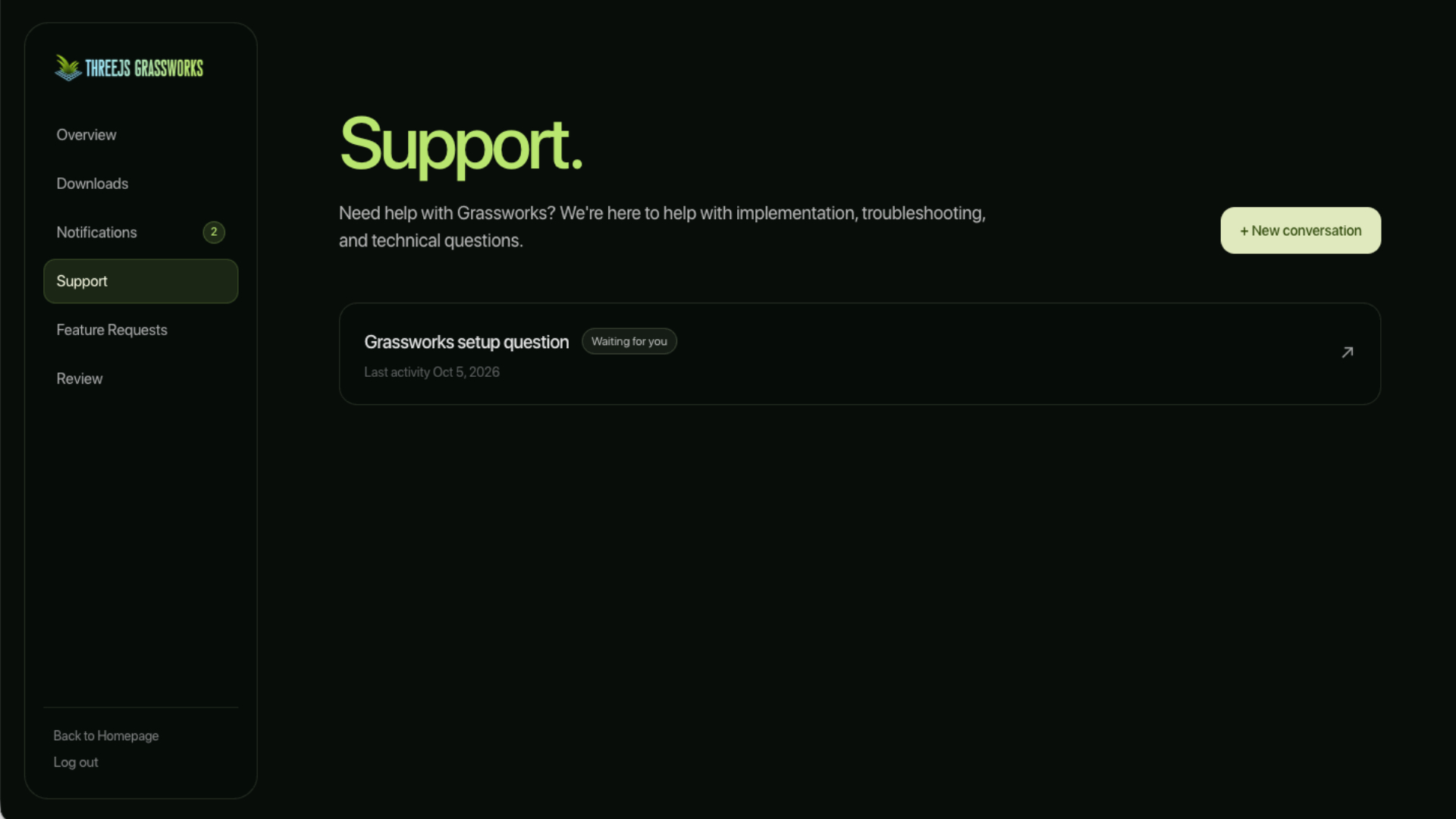
Support.

Get direct technical support through your Grassworks customer portal. Ask questions, report issues, and suggest ideas for future features and improvements.

Grassworks customer portal support section

Features.

Everything you need to create realistic and stylized grass environments in Three.js.

Infinite grass.

Camera-relative grass for expansive worlds.

Extend grass across large environments without covering your entire world with a massive grass mesh. Grassworks uses a dynamic tiled system that keeps the grass field centered around the camera, making expansive Three.js environments practical and scalable.

Built for performance.

Dense grass. Real-time performance.

Grassworks is designed for rendering dense, detailed grass in real-time Three.js scenes. Distance and frustum culling, configurable LODs, and optimized, instanced grass geometry give you control over how much detail your scene renders as the environment grows.

12 presets.

Real species. Stylized worlds.

Start with grass inspired by real-world species including Kentucky Bluegrass, Perennial Ryegrass, Tall Fescue, and more, or explore stylized presets for creative environments. Switch between distinct grass looks without building your material and geometry configuration from scratch.

Two types of grass.

Detailed blades or lightweight billboards.

Choose between two fundamentally different approaches to rendering grass. Use detailed, instanced blade-based grass when geometry and close-up quality matter, or switch to billboard grass when you need a lighter solution for covering larger areas.

Terrain aware.

Grass that follows your world.

Grassworks understands the terrain beneath your grass, allowing it to follow slopes, elevation changes, and uneven surfaces naturally. Terrain data is prepared automatically so you can integrate grass into existing Three.js environments without manually conforming it to the surface.

Natural wind.

Dynamic movement across every field.

Bring your grass to life with procedural wind movement that can be tuned to your scene. Control wind direction, intensity, noise scale, and simulation speed to create anything from subtle field movement to stronger environmental motion.

Interaction enabled.

Grass that reacts to your scene.

Make your grass respond to the objects moving through your environment. Grassworks supports configurable influence areas so characters, vehicles, and other objects can create natural deformation and movement as they interact with the field.

Grass Maps.

Control coverage, density, and height.

Use a Grass Map to define exactly where grass appears across your terrain and control how tall it grows. Create dense fields, sparse regions, paths, clearings, and natural transitions while keeping artistic control over the final result.

Color Maps.

Color your grass by position.

Use a Color Map to define the color of your grass across your terrain. Create meadows, dry patches, seasonal transitions, and varied landscapes with natural color changes, while keeping the wind, variation, and detail of your grass intact. Paint your own color map directly in the scene with the Terrain Painter.

Terrain Painter.

Paint your grass and colors directly in the scene.

Shape your Grass Map and Color Map directly on your terrain with an integrated painting workflow. Add grass, erase areas, paint colors, adjust your brush, and build custom paths, clearings, and color variations without leaving your Three.js environment.

Four levels of detail.

Fine-grained control over visual quality.

Configure four levels of detail with independent control over grass density and geometric detail. Keep high-quality grass close to the camera while progressively reducing complexity at distance, giving you a practical balance between visual fidelity and rendering cost.

What you get.

Your Grassworks package is ready when you are.

Three.js Grassworks v1.2.0ZIP Archive · 1.7 MB
  • grassworks.min.jsProduction Grassworks build
  • src/Grassworks source files
  • examples/basic/Basic usage example
  • examples/basic/Assets/Example assets
  • THREEJS_GRASSWORKS_SKILL_v1.2.0.mdLLM integration and public API skill
  • LICENSE.pdfCommercial Software License Agreement
Three.js Grassworks v1.1.1ZIP Archive · 1.0 MB
Three.js Grassworks v1.1.0ZIP Archive · 1.0 MB
Three.js Grassworks v1.0.0ZIP Archive · 858 KB

Frequently asked questions.

Everything you need to know before getting started with Three.js Grassworks.

What is Three.js Grassworks?

Three.js Grassworks is a production-ready grass system built for Three.js and WebGPU. It provides everything you need to add realistic and stylized grass to real-time 3D environments.

Does Grassworks support WebGL?

Grassworks is built for WebGPU and does not include a separate WebGL implementation. It can use Three.js's built-in WebGL fallback, but WebGPU is the rendering path Grassworks is designed and optimized for.

Is Grassworks built with TSL (Three.js Shading Language)?

Yes. Grassworks is built entirely on Three.js's WebGPU renderer using TSL (Three.js Shading Language), giving the grass shaders native WebGPU performance along with the flexibility to extend or customize them directly in TSL.

What do I get when I purchase Grassworks?

You get the complete Grassworks source code, production build, presets, tools, and supporting files needed to integrate Grassworks into your projects.

Can I modify the source code?

Yes. The full, human-readable source code is included, so you can modify, extend, and adapt Grassworks for your own projects. A production-ready minified build is included as well.

Can I use Grassworks in commercial projects?

Yes. Grassworks is licensed for use in commercial projects. For the complete terms and permitted usage, please see the Grassworks Commercial Software License Agreement.

Can I get a refund?

If you haven't downloaded or accessed the Grassworks code, you can request a refund within 7 days of purchase at support@techredux.co. Once downloaded or accessed, the purchase is final and non-refundable. See our Refund Policy for details.

Do I get updates and support?

Yes. Your purchase includes future Grassworks updates released by Tech Redux at no additional charge. You also get direct support through our customer portal, where you can ask questions, get help with integration, and submit feature requests for consideration in future updates.

What people are saying.

See what developers are building with Three.js Grassworks.

Nov 5, 2026

Fantastic work! Seriously if you're wanting to do an environmental scene with threejs this is a must have! Everything else is going to look spotty and have terrible performance.

AARON MARZ

Ready to make your world feel alive?

Get Three.js Grassworks and bring production-ready grass to your next project.

One-time purchase · Future updates included · Customer support included