
Three.js Grass: From a Single Blade to a Million-Blade Field
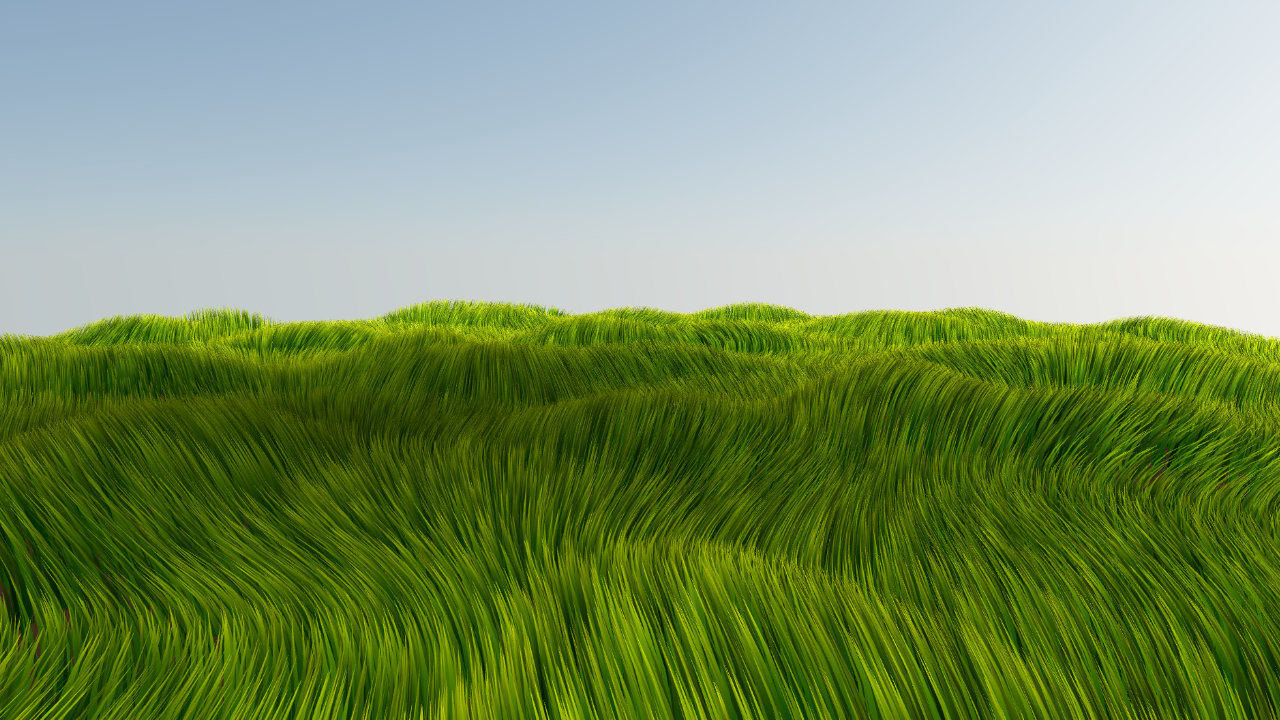
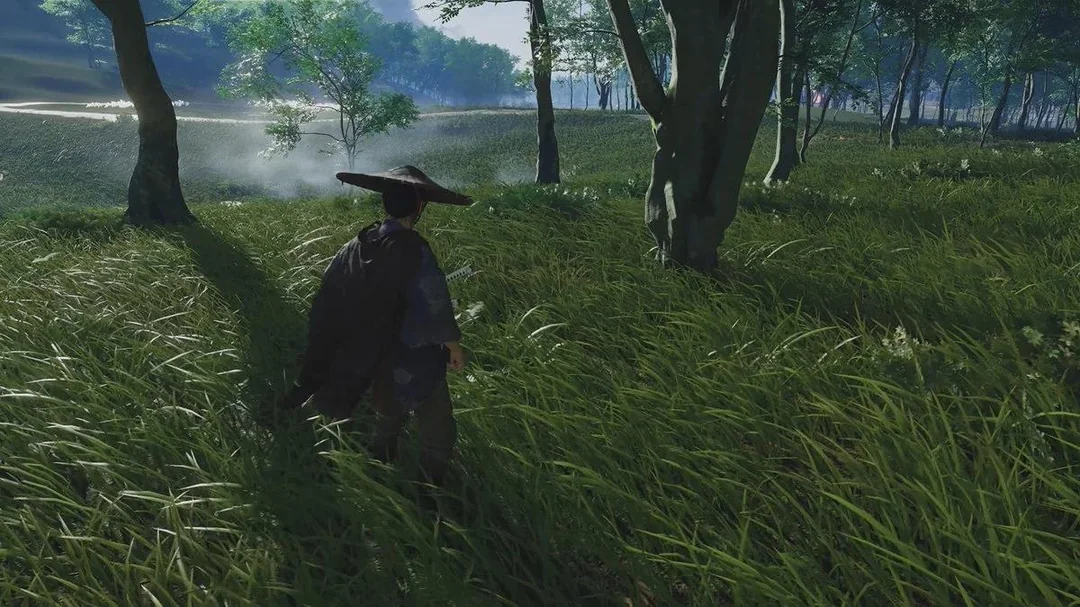
My interest in rendering grass started with Ghost of Tsushima. The way large fields of grass moved through the wind made the environment feel alive, and I wanted to see whether I could create something with that same sense of scale in the browser.
So I started experimenting with grass in Three.js. At first, the goal wasn't to build a product or a reusable system. I simply wanted to understand how far I could push a large grass field with WebGL.
I also watched a GDC talk on the subject, which helped shape the way I approached the problem: start with the smallest useful representation, understand how a single blade should be constructed and animated, and only then worry about scaling it up.
Start With One Blade
Before trying to render thousands of blades, I started with one.
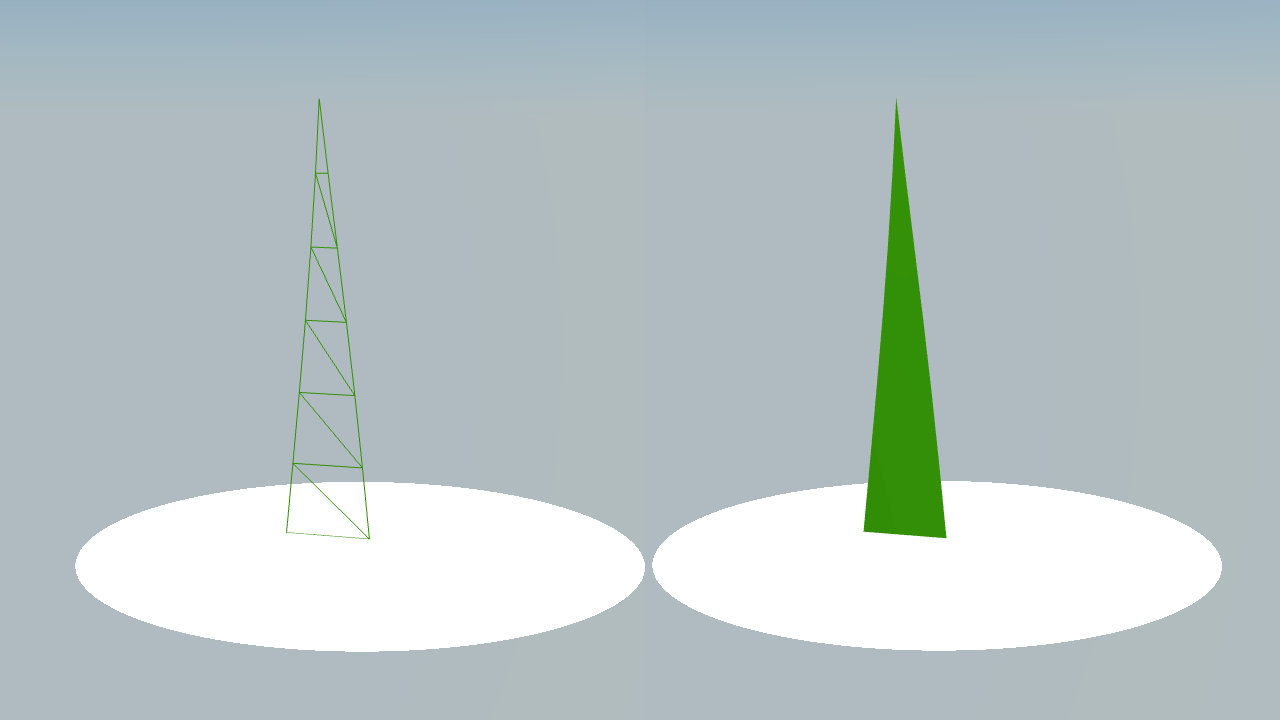
The blade itself was deliberately simple. It was made from multiple triangles so that the geometry had enough subdivisions to bend and deform smoothly. The important part wasn't making a highly detailed model. It was creating a small amount of geometry that could be manipulated effectively on the GPU.
The vertex shader became responsible for shaping the blade. By controlling how much each part of the blade could move, the base could remain relatively stable while the upper portion curved and moved more freely.
That basic representation became the building block for everything that followed.
From One Blade to a Field
Once the blade worked, the next step was obvious: make more of them.
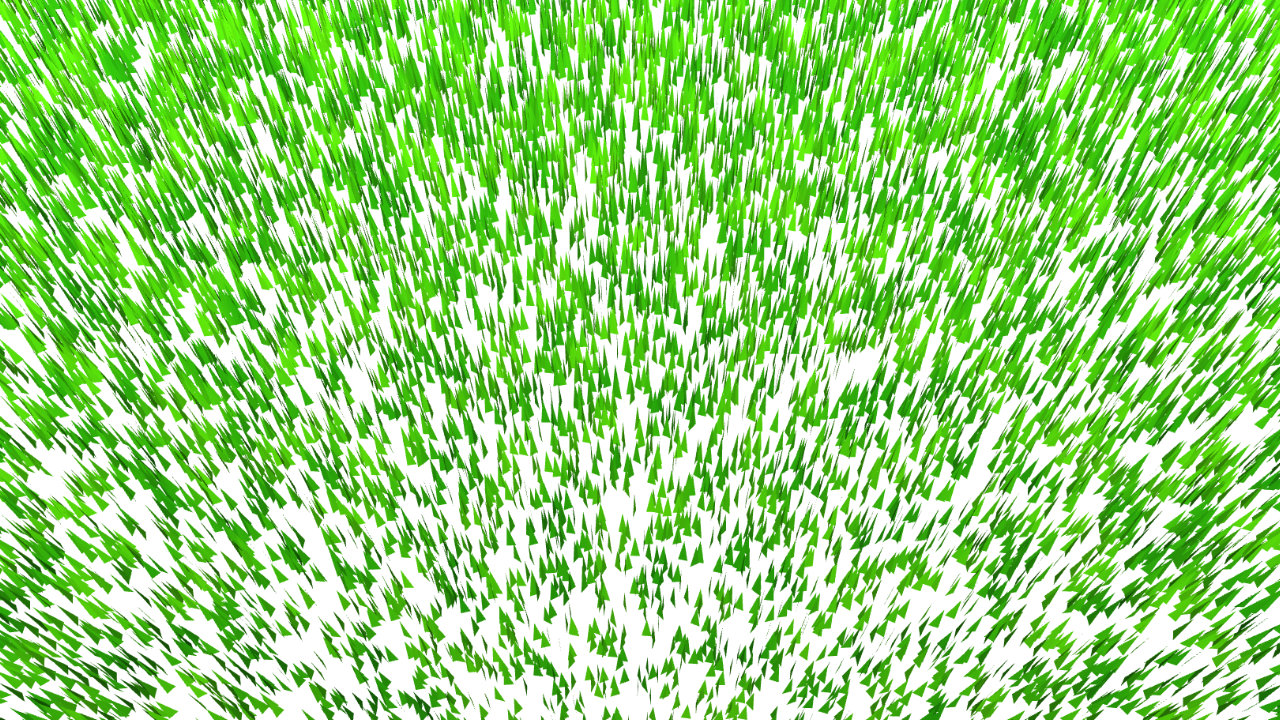
For the original Flowing Grass Fields experiment, each blade was given its own square region and placed randomly inside that region. The blades were also given random rotations so that the field didn't look like a perfectly aligned grid.
The size of those regions could be adjusted, which effectively controlled the density of the field. A smaller region meant more blades packed into the same area; a larger region produced a sparser field.
But there was another important decision: I didn't create a separate Three.js object for every blade. The blades were combined into a single geometry. That dramatically reduced the amount of draw-call overhead and allowed the GPU to process a very large number of blades as one piece of geometry.
This was one of the first important lessons of the experiment: the problem isn't simply how many blades exist. It's how those blades are represented and submitted to the GPU.
Making the Field Feel Alive
A field full of static blades doesn't look like the grass that inspired the experiment. The next problem was movement.
I used procedural noise to drive the wind. Instead of giving every blade an independent random animation, the wind could move coherently through the field, while still producing enough variation to avoid a mechanical look.
The same general idea applied to appearance. The blades used a base-to-tip color gradient, with noise-driven color variation adding subtle differences across the field. These small variations matter because perfectly identical blades quickly make procedural vegetation look artificial.
The system also included adjustable terrain, allowing the field to follow hills and valleys instead of existing only on a flat plane.
The First Result
The result was Flowing Grass Fields: a WebGL and Three.js experiment capable of rendering more than one million grass blades in a browser at 60 FPS on an M1 Mac.
At this point, I had something I was happy with as an experiment. I had started with one blade, figured out how to deform it, distributed that blade across a large area, combined the geometry, added procedural wind and visual variation, and pushed the result far beyond the scale of the original prototype.
But it was still an experiment.
The architecture was built around one large field. It didn't yet answer the harder questions that appear when grass needs to become part of a real, reusable scene: How do you divide the world? What should render when the camera moves? How should detail change with distance? How do you support different terrains and performance targets?
Those questions eventually led me back to the project a couple of years later.
The original experiment eventually became the foundation for Three.js Grassworks, the current, reusable version of that idea. The rest of this series is about the rendering problems that led there.
What Comes Next
A few months ago, after finishing some client work and having time to revisit the project, I decided to port the original system to WebGPU. The goal at first was simply to bring the existing experiment into the WebGPU and TSL world.
That port worked. But once the system was running again, it became clear that simply porting the old architecture wasn't enough. If I wanted grass that could be used in real Three.js scenes, I needed to rethink how the field itself was organized.